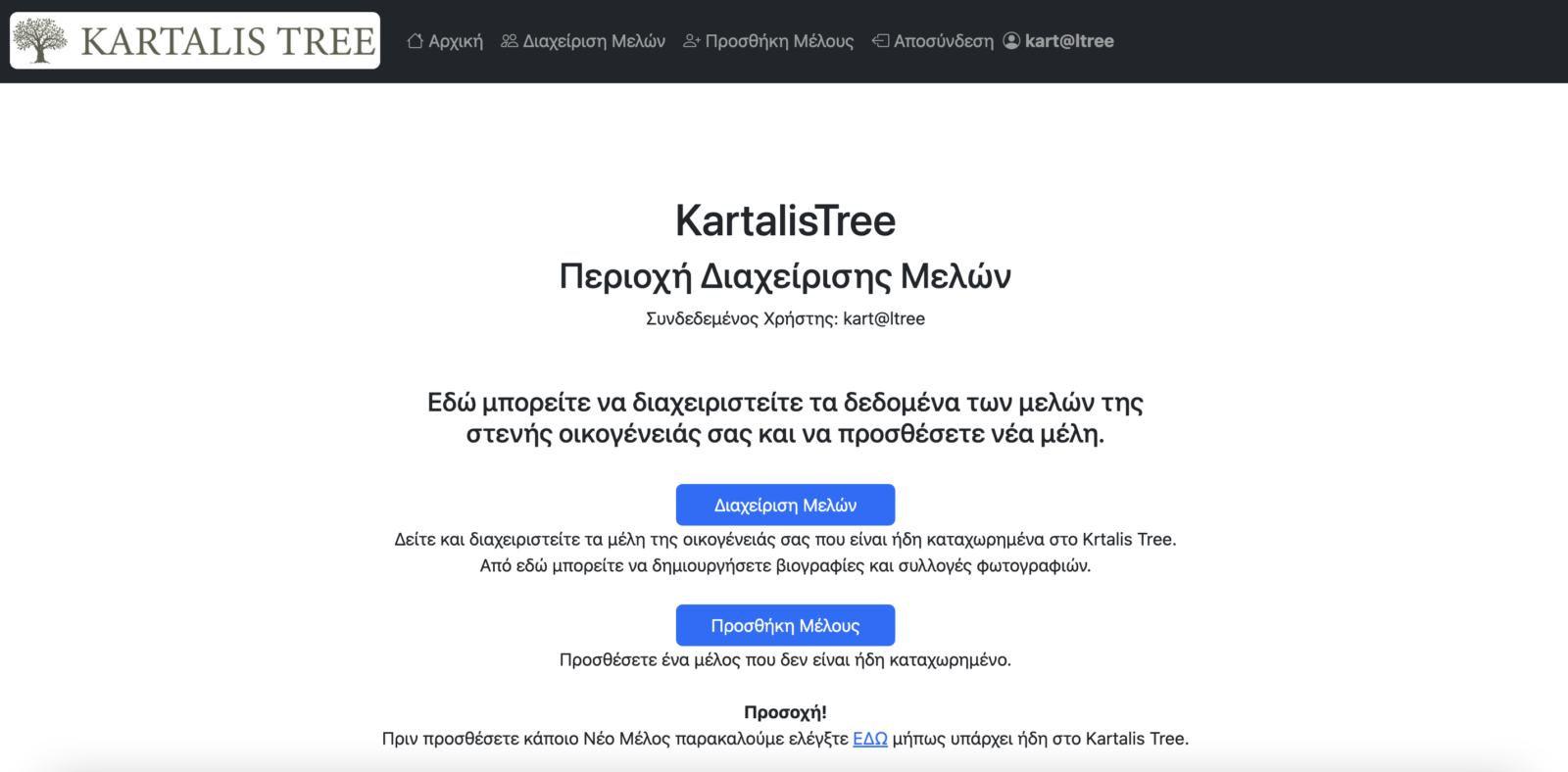
To add new members, you first need to register as a member of Kartalis Tree yourself. After you register, you can add and edit information about the members of your immediate family, such as parents, siblings, spouse, children and grandchildren. Please note that your parents are probably already registered on kartalistree.com.
Alternatively, you can send the information about your family members to the administrators at kartalistree@gmail.com, and we will add it for you.
After you complete the MEMBER REGISTRATION, the steps to add new members are:
- From the main menu choose CONTRIBUTION > Members Management to go to the Members Administration Area. If you have not logged in yet with the login details the administrators gave you after you registered, you will be asked to log in. The English / Ελληνικά button in its menu switches the language.
- To manage the information of a member who is already in Kartalis Tree, choose Manage Members and find the member you want to edit.
- If the member you want to add is not registered yet, choose Add Member from the menu, fill in their details and press Save. For the profile image of the new member, prefer square or portrait photos. The profile photo of the members directory is not the same as the photo of the biography.